Site in a Day: How We Launch a New Website From a Few Answers
Every new site used to start with the same day of setup: copying an old project, renaming things, wiring languages, legal pages and deployment. We turned that day into a short list of questions, and for companies in our CRM even the questions disappear.

The Challenge
A small business needs a website that loads fast, works in the languages its clients speak, has the legal pages Spanish law asks for, and shows up correctly in search. None of that is unique to one client, yet every new project used to start the same way: copy the last site, rename it everywhere, remove what doesn’t fit, set up languages, write the deployment by hand, and hope nothing old was left behind.
We wanted the first day of a project to go into the client’s content and design, not into setup. So we built three things: a generator that creates a ready project from a few answers, a component library that every site is assembled from, and a way for companies in our CRM to get a website that builds itself from their profile.
A New Project From Ten Questions
The generator is a small command-line tool. It asks for the project name, the display name, the production address, the languages (for example “es, en, ru”) and which one is the default, whether the site needs a blog, and how to set up the repository.
From those answers it produces a working project:
- The site name, the address and the project slug are already written into the configuration, the page titles, the legal pages, the deployment file and the package itself, so there is nothing left to rename by hand.
- Only the languages you chose make it into the project. A one-language site gets simple addresses without a language prefix; a multilingual one gets a version per language. Demo content written for languages the site doesn’t have is removed, so the first build doesn’t fail on a missing language.
- The same goes for features, so you get only the ones you need: without a blog, the blog pages, utilities and content folder are deleted rather than hidden.
- The repository is ready to push. The tool initialises git, installs the dependencies before the first commit so the lockfile matches, and can create a private repository in our GitLab and push the first commit to it.
The video at the top of this page is a real run: ten answers, then the new site builds 42 pages in Spanish, English and Russian in a few seconds.
What Every New Site Starts With
The template behind the generator is a complete Astro site, not an empty folder:
- Three languages from day one, with a language switcher, hreflang links and a sitemap.
- Legal pages for Spain: legal notice, privacy policy and cookie policy, filled in with the site’s name and address.
- A cookie banner that works with Google Consent Mode, with an optional consent record stored on our platform.
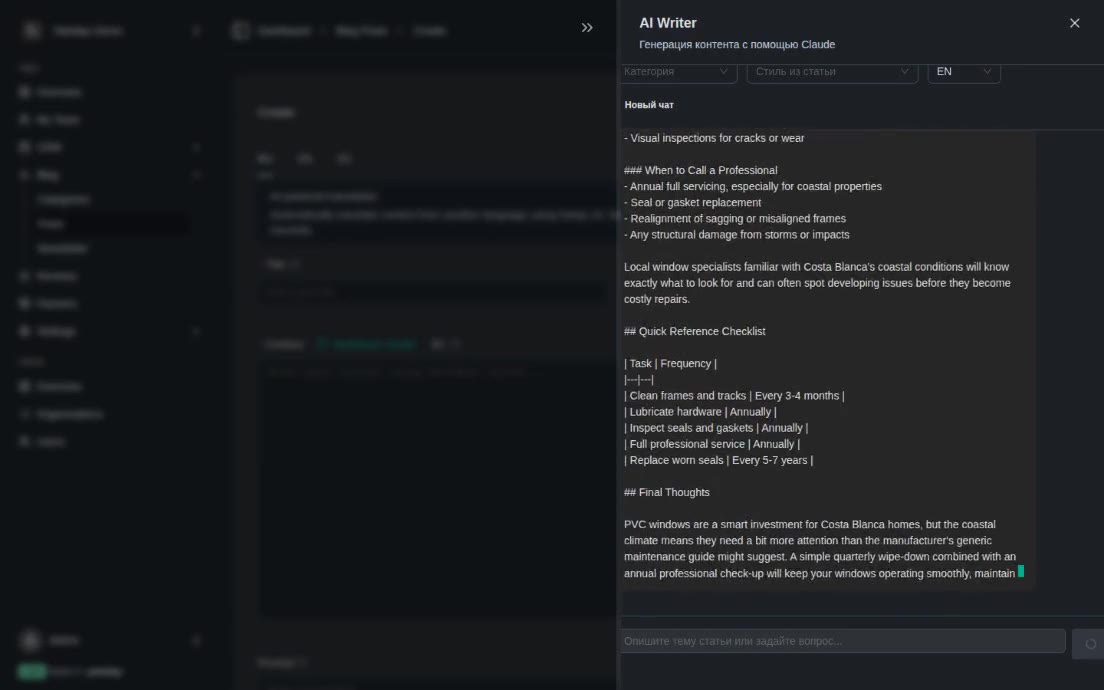
- A blog in two modes: articles as files in the project, or posts published from the Yatoday platform.
- Analytics hooks for Google Tag Manager or Google Analytics, switched on by adding an ID to the configuration.
- Light and dark themes, with the switcher shown or hidden per site.
Deployment Without Extra Work
Each generated project comes with its GitLab CI pipeline. A push to the main branch installs the dependencies, builds the site and publishes it to Cloudflare Pages; if the Pages project doesn’t exist yet, the pipeline creates it. A git hook raises the version number before each push to main, and the build stamps that version into the site, so it’s always clear which release is live.
One Component Library for Every Site
Headers, hero sections, feature grids, cards, galleries, sliders, testimonials, FAQs, steps, footers, the cookie banner and a map all come from our own library, @yatoday/astro-ui - about 60 components for Astro with Tailwind CSS. Full-width sections can be placed on a page as they are; smaller blocks sit inside a wrapper that sets the width.
Because every site uses the same components, a fix or an accessibility improvement made once reaches all of them with a version update. The library is open source under the MIT licence, published on npm and documented on its own site, where each component is shown live next to the code that produces it. Each release is built and published to npm from GitHub automatically, and the documentation site is redeployed from the main branch.
Sites That Build Themselves From a CRM
The fastest site is the one nobody has to set up by hand. Window and door companies that work in Estimia, our SaaS and CRM for that trade, keep a directory profile there: description, services, brands they install, regions they cover, photos of finished work, reviews, frequently asked questions and contact details.
For these companies the generator has a second mode that asks nothing. Given the company’s identifier, it checks that the company is set up for a hosted site, takes its name and domain from the CRM, and creates a project from the installer template in Spanish, English and Russian. It sets the build variables in GitLab and creates a rebuild trigger.
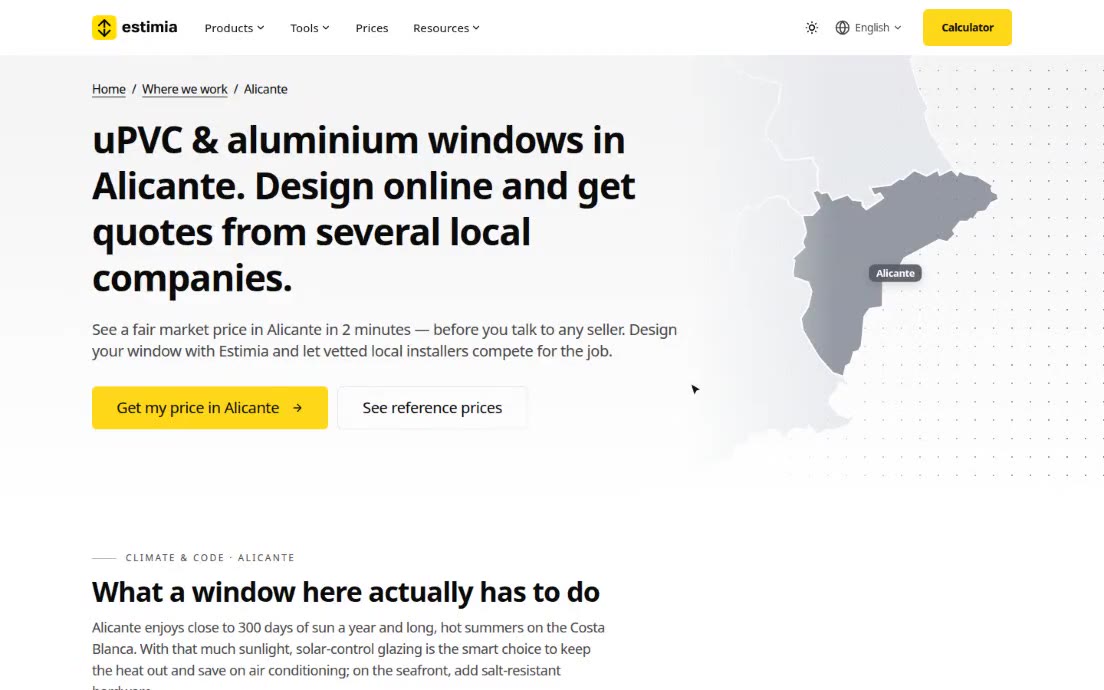
The site itself has no content of its own. At build time it reads the company’s profile from the CRM and turns it into pages: a hero with the company’s photo and rating, services, brands and regions, a gallery of finished work, reviews, an FAQ and a contact block with a map. The company’s logo and brand colour are applied to the layout. The pipeline publishes the site to Cloudflare Pages and attaches the company’s own domain, including the DNS record.
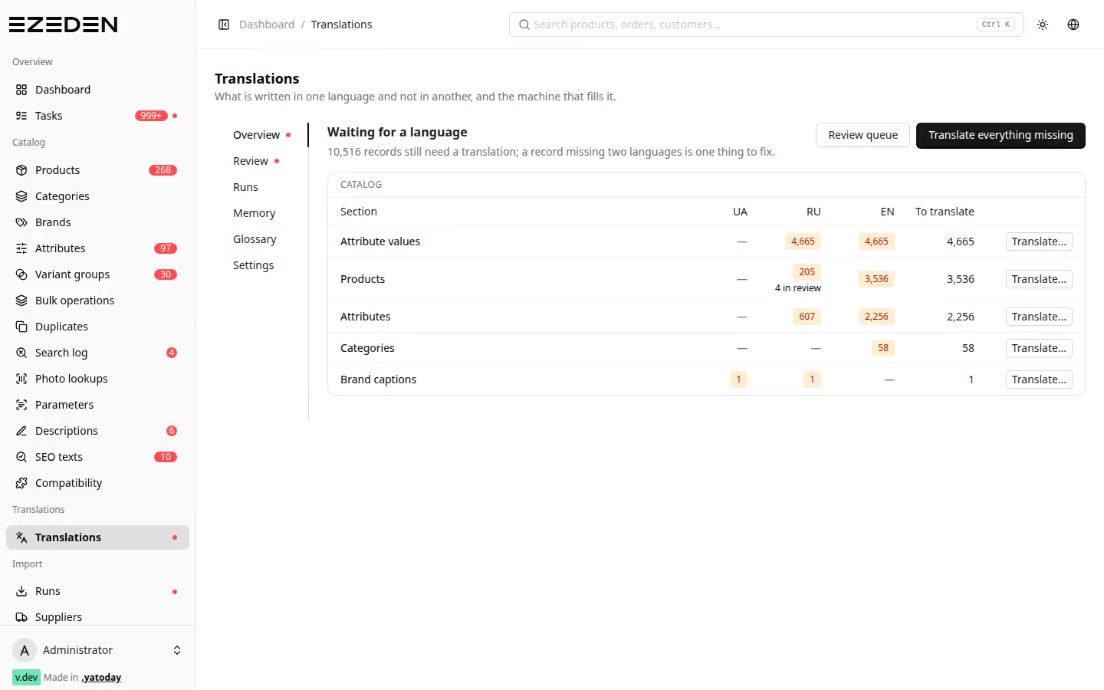
After that, the site keeps itself up to date. When the company edits its profile in the CRM, the CRM clears its cached copy of that profile and calls the rebuild trigger; the pipeline runs again and the site is republished with the new data. The pages are still plain static HTML: nothing is fetched from the CRM while a visitor is on the site. In the CRM admin, the team can see the state of each company’s Cloudflare project and domain.
Tech Stack
- Generator: Node.js + TypeScript CLI (prompts, simple-git, GitLab API)
- Sites: Astro (static build), Tailwind CSS 4, Svelte 5
- Components: @yatoday/astro-ui (open source, MIT, published on npm)
- CRM-fed sites: Estimia public mini-site API, Laravel queue job for rebuilds
- CI/CD: GitLab CI → Cloudflare Pages (wrangler), custom domains via the Cloudflare API
Result
Setting up a new site is now a list of answers instead of a day of copying and renaming. Every project starts with three languages, legal pages, a cookie banner, a blog, a sitemap and a working deployment, built from the same tested components as all our other sites. For window companies in the CRM, a website is a by-product of the profile they already keep, and it updates itself when they change it.
Status: the generator, the template and the component library are what we build our sites with; CRM-fed mini-sites are built and running on a demo company, and the rollout to window companies is starting.