Static Site Backend: a Blog, Reviews, Payments and a Customer Account for Fast Websites
A static site is fast and cheap to run, but it has no admin panel, no checkout and no place to store a review. We built one backend that adds all of that to any of our sites, while the pages themselves stay plain, pre-built HTML.

The Challenge
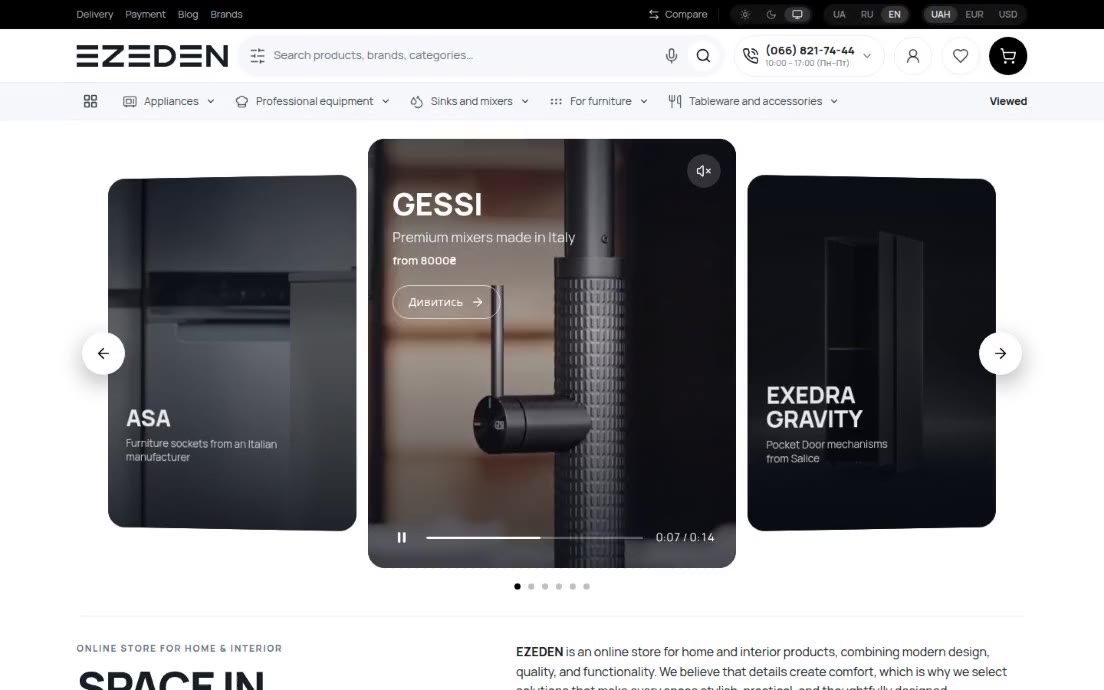
Our client sites are static: every page is built in advance and served as a ready HTML file from a CDN. That is why they load instantly and have nothing on the server to break or hack. It also means they have no database and no admin panel. The owner can’t publish a blog post alone, collect a review, take a payment or give regular customers an account.
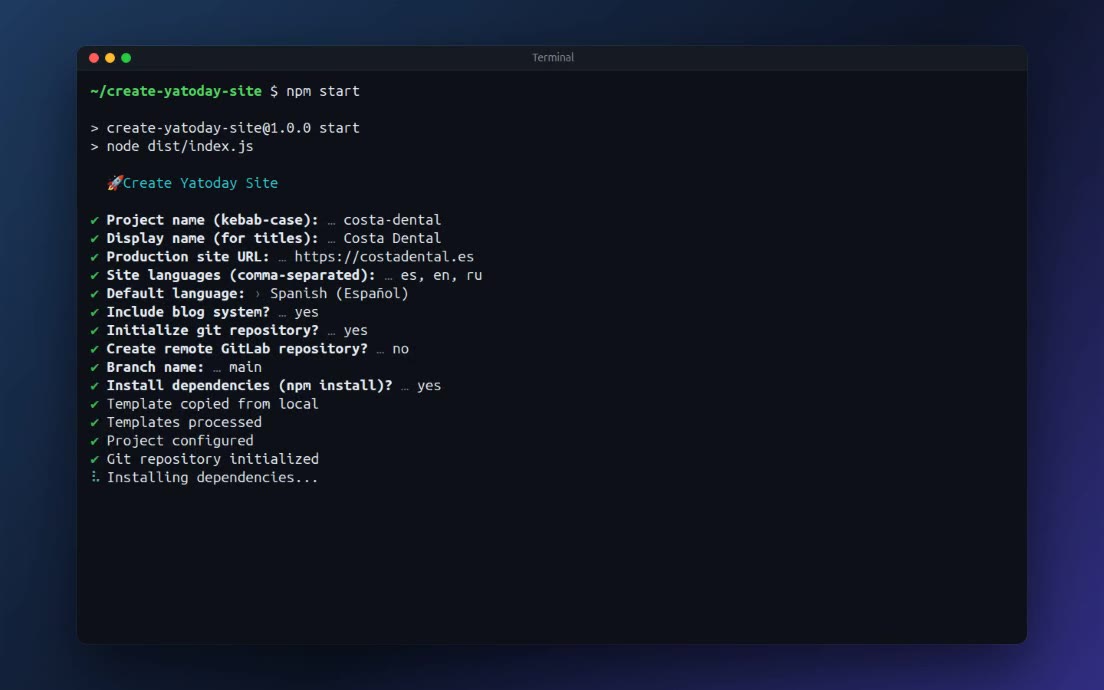
Instead of moving to WordPress and giving up the speed, we built one shared backend, the Yatoday platform, that holds the dynamic parts for every site.
A Blog With an AI Co-Writer
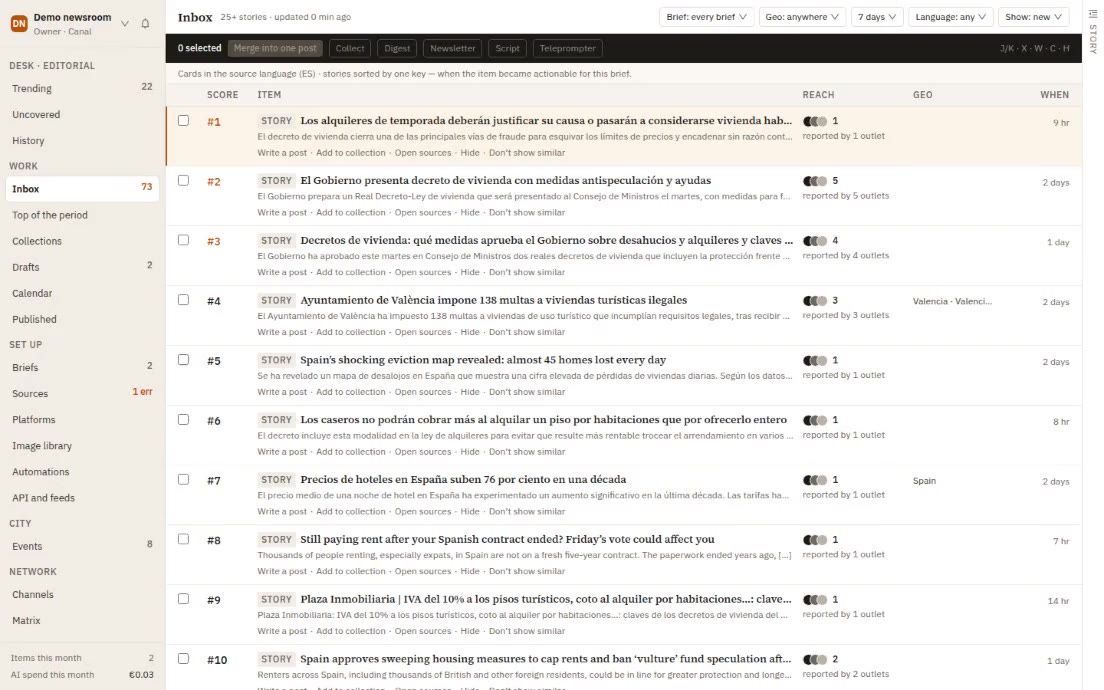
The blog lives in the platform’s admin panel, in every language of the site, and the static site reads it through an API when it is built.
To start a post, the owner gives the AI writer, built on Anthropic Claude, a topic and a language, and can pick one of their earlier posts as a reference: the writer follows its tone and structure without copying it. The draft streams into the editor as it is written - title, intro, three to six sections and a conclusion in clean Markdown. The owner keeps talking to it (“shorter”, “add an example for landlords”) and then edits by hand.
Images are uploaded in the admin panel and kept in cloud storage. Before each build the pipeline downloads them into the site, so Astro resizes and compresses them like any local image. The build also publishes the list of available images, which the admin panel offers for reuse.
An SEO Check With AI Suggestions
Every post gets a score from 0 to 100 and a grade from A to F, separately for each language. It checks lengths of the title and description, where the focus keyword appears and how often, headings, images and alt text, links and sentence length. Each problem is marked critical, warning or tip, with a plain explanation.
One button sends the post, its problems and a short description of the business to Claude. It returns a proposed SEO title, meta description and focus keyword, plus fixes ranked by priority, each with an example. A second button only fills in the SEO title and description. The instructions rule out common bad advice: no extra H1 in the body, because the title already becomes the H1, and no “make it longer” for posts of 600 words or more.
One-Click Translation
A post can be translated from the editor - title, excerpt and body in one go - through DeepL, with each business using its own DeepL key. The text appears in the editor for the target language, so the owner can check terms and tone before publishing.
The Site Rebuilds Itself
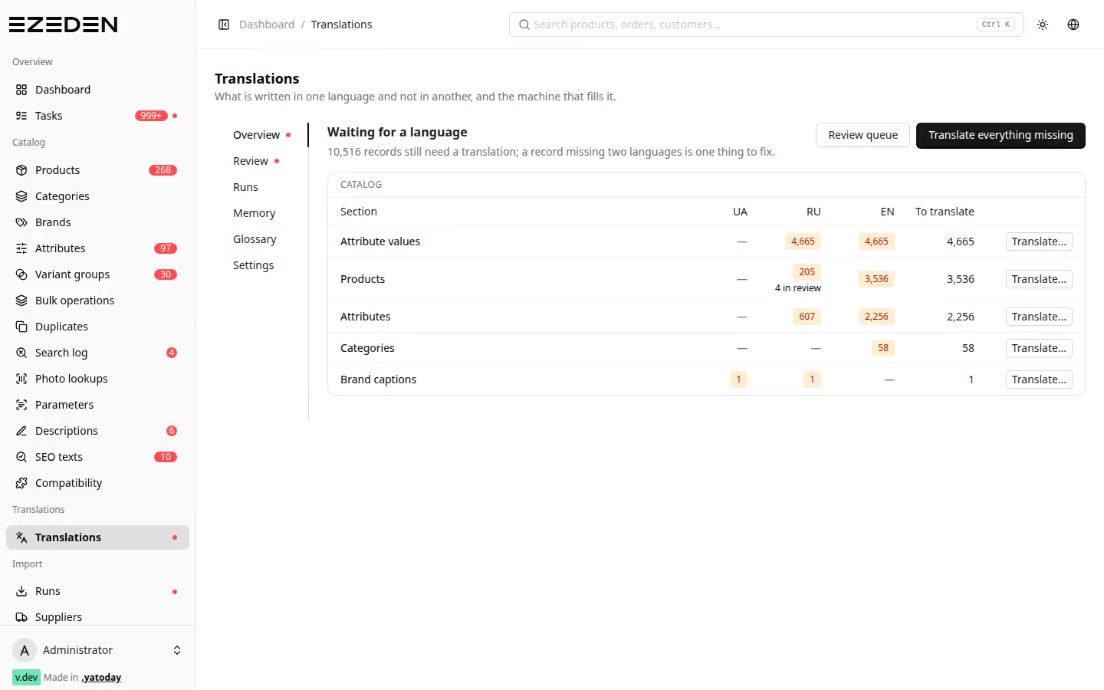
A static site shows a new post only after a rebuild, and the platform takes care of that. Any change to a post or category marks the site as having unpublished changes. From 06:00 to 22:00 the platform checks every hour and rebuilds the sites that have them; a nightly run at 02:00 catches the rest. Posts scheduled for a future date are picked up within five minutes of their time. For urgent edits, a “Deploy now” button appears right after saving.
Reviews With Moderation
Visitors can review a product, a service or the business as a whole; the site decides what each review is attached to, with a key such as service-plumbing. New reviews wait for moderation. Managers are notified live and approve or reject them, one by one or in bulk.
The server filters spam: a hidden field that bots fill in, at most five reviews an hour from one address, and no second review from the same email on the same item within 24 hours. Emails about approval or rejection wait 30 minutes and are grouped, so someone whose ten reviews were approved in one session gets one summary, not ten messages. The public API returns only approved reviews, with names shortened to “John D.”, plus the average rating and the count for each star. The site reads them when it is built.
Payments on a Static Site
A static page can’t take a card, but it can send the visitor to Stripe Checkout. The site sends the platform the customer’s email and the items; the platform creates a pending order, opens a 30-minute Stripe session and returns the payment link. A signed webhook from Stripe then marks it paid, cancelled or refunded.
No account is needed in advance. If the email is new, the platform creates an account during checkout and emails the login details with the order.
For shops, the cart lives in the browser and survives a reload. It supports quantity pricing: a product can have price breaks, so the unit price drops once the quantity reaches a threshold, and the cart keeps the total without the discount too, so the saving can be shown.
A Customer Account and a Referral Programme
The customer account is a widget any site adds with one script tag. It speaks English, Spanish and Russian, takes the site’s brand colour and shows the customer their orders, balance and referrals.
Customers share a personal code or recommend a friend directly by phone or email. If they ask for a manager to call the friend, the recommendation goes into the CRM as a lead with a call task for a manager an hour later; otherwise it is simply recorded. A person who has already been recommended can’t be recommended twice.
When a customer who came with a referral code pays, the platform calculates the reward - a percentage or a fixed amount set by the business - and puts it on hold for a period the business chooses, 14 days by default. A refund in that time cancels the reward; after it, a daily job releases it. The customer sees a countdown and requests a payout once the balance passes a minimum; managers approve it and mark it paid.
A Cookie Banner That Keeps a Record
The cookie banner comes from our component library and is shared by all the sites. It sets Google Consent Mode v2 to “denied” before any Google script loads and changes it only after the visitor agrees. Each site declares what it actually uses, so a site that only measures traffic can never pass advertising consent to Google, even after “Accept all”.
Every choice is saved on the platform under an anonymous consent ID with the categories, policy version, page and language, and each later change is added to a history, so the business can show when and how consent was given. A small floating button lets the visitor see their consent date and ID and change their mind.
Newsletter Signups
A signup form on any site sends the address to the platform with the form’s name, such as “homepage-footer”, so the business sees which form works. A repeat signup doesn’t create a duplicate, and an address that unsubscribed is reactivated.
Tech Stack
- Sites: Astro (static build) + @yatoday/astro-ui, served by Cloudflare Pages
- Backend: Laravel 12 (PHP 8.4), MySQL, Redis, Laravel Reverb
- Admin panel: Inertia + React
- AI: Anthropic Claude (co-writer, SEO suggestions), DeepL (translation)
- Payments: Stripe Checkout with signed webhooks
- Customer account: React 19 Custom Element, Sanctum tokens
- Images: Cloudflare R2, synced into the build for Astro optimisation
- Rebuilds: webhooks to GitLab CI, Laravel Forge or any URL
- Email: Postmark
Result
Our static sites keep their speed and small attack surface and still get what normally needs a CMS or a shop engine: a blog the owner runs alone, with an AI co-writer, SEO checks and translation; moderated reviews; card payments; customer accounts with referral rewards; and a record of every cookie consent. It all sits in one backend, so a new feature reaches every site at once.