One Catalogue, Every Sales Channel: Rozetka, Prom, Epicentr, Google and KeyCRM From One Hub
A store that also sells on three marketplaces and Google keeps five copies of its catalogue, and every price change has to reach all of them. The hub behind the Ezeden store keeps one catalogue and speaks every channel’s language itself - and it never deletes or recreates a listing that already sells.
The Challenge
Ezeden sells on its own storefront and on four more platforms: the Ukrainian marketplaces Rozetka, Prom.ua and Epicentr, and Google Merchant Center, which puts the products in Google Search and Shopping for free. Each marketplace already carried a few thousand of the shop’s listings, created by hand over the years, and every platform wants the catalogue in its own form. Orders are processed in KeyCRM.
Keeping five copies of a catalogue by hand means prices that lag behind, stock that sells twice and listings that drift apart. The goal: one catalogue in the hub, and every channel fed from it - with nothing on a marketplace deleted or recreated along the way.
Every Marketplace in Its Own Language
A marketplace accepts a listing only in its own ids. The hub downloads each platform’s categories, characteristics and permitted values every night and keeps them versioned, so a manager sees exactly what a platform added, renamed or removed.
Mapping turns the catalogue into those ids at three levels: category to category, characteristic to characteristic, value to value.
One category can split: granite sinks can go to one Rozetka category and steel sinks to another, by the value of one characteristic. Units and formats are rules too: millimetres become centimetres, and a rule that cannot convert a unit is refused when it is saved.
One characteristic can feed two. Epicentr asks for a basic colour and a manufacturer’s colour, and both come from the same colour in the catalogue. A field the platform requires but the catalogue never states - “for the kitchen” on every kitchen mixer - is set once per category as a fixed value.
Every product has a readiness status per marketplace: with no category, an empty required characteristic or an unmapped value it does not go out. When a platform drops an entry, the mappings that used it land in a broken mappings queue.
An AI Assistant for the Mapping
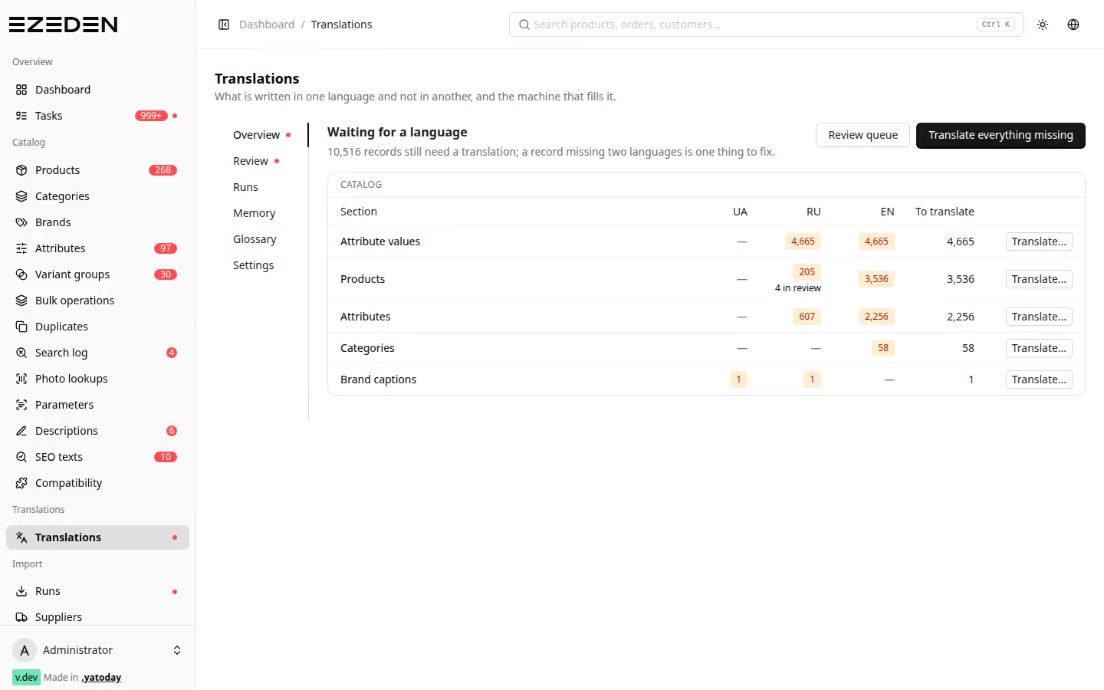
The assistant does the first pass. It shortlists the platform entries whose names resemble the catalogue’s, in every language the catalogue holds. An exact name, or a match already confirmed elsewhere on the same channel, is proposed as sure, and a manager confirms all of these with one button. When several names only resemble each other, an AI model picks one - but only from the shortlist - or says nothing fits. On test lists it matched values across languages - the catalogue’s Russian “круглая” to Rozetka’s Ukrainian “Кругла”.
Each proposal is confirmed once; after that the mapping applies to every product without asking the model again.
Linking the Listings That Already Sell
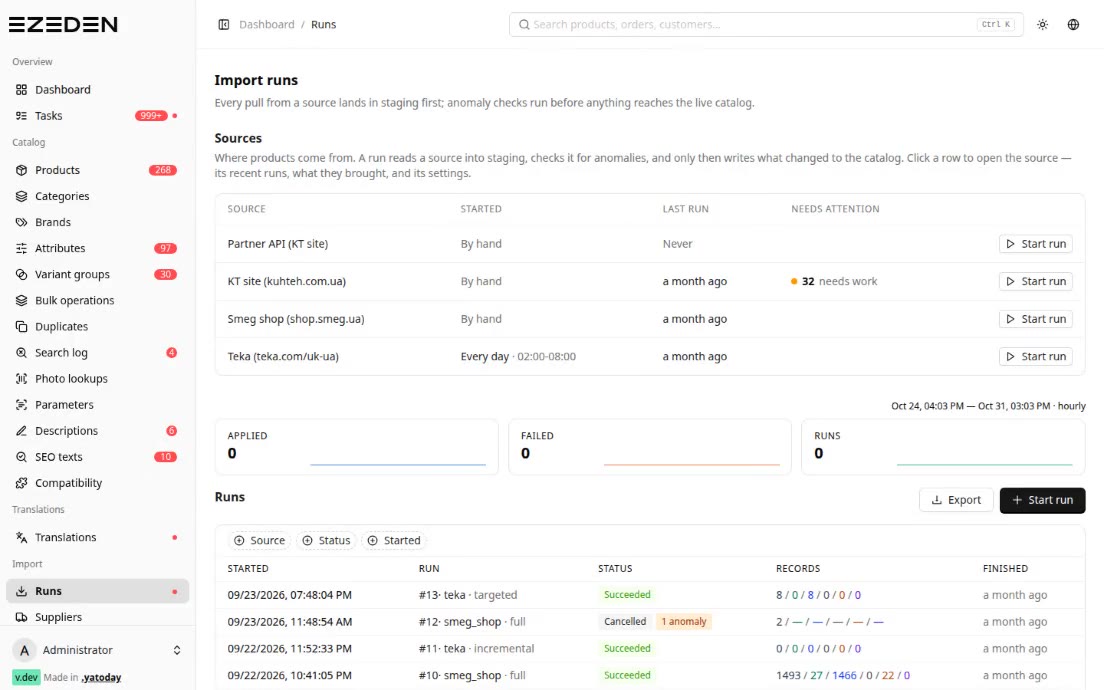
The listings on the marketplaces were built by hand over years and already sell. Recreating them would throw that away, so the hub follows one rule: link, never recreate. It reads what each platform sells - through the API or from the seller account’s export - and matches every listing to a product:
- the shop’s SKU in the seller-code field, the manufacturer’s article, or the barcode decide a match;
- an article inside the listing’s name, or the model codes in the name, only propose one.
Anything uncertain - two keys pointing at different products, two listings for one product - waits in To check with the reason. Only sure matches can be linked in bulk, and managers who prefer a spreadsheet can export the list, fill in SKUs and upload it back through the same checks.
The only write here is on Prom.ua: at a manager’s request the hub sets the shop’s SKU as the listing’s external id, then reads the platform back to confirm it.
Prices and Stock: Sent, Accepted, Shown
Once linked, a listing receives its price and stock from the hub’s pricing rules and stock ledger.
Each update carries absolute figures, never changes: “the price is X, the stock is Y”, with a version number. A retried call is therefore harmless, and an older call arriving late is dropped.
A change reaches the platforms fast, about 30 seconds after it happens, but in bursts, so an import that changes five thousand stock figures becomes one update per channel. A sweep every five minutes catches what no event announces, such as a promotion starting at midnight.
A platform accepting a price does not mean it shows it. For every listing the screen therefore shows three figures side by side: what the hub wants, what the platform accepted and what the platform actually shows when it is read back. Rozetka, for example, holds a price raised more than 1.5 times or cut by more than half for one of its own managers. The call succeeds anyway, so the hub marks those listings as awaiting the platform until the read-back settles it.
The whole flow is safe by construction: a price of zero is never sent, every stock figure passes the channel’s buffer, and a product that must stop selling is sent a stock of zero. Nothing deletes or hides a listing.
Refusals land in an error queue with the platform’s own words.
New Listings by Rules
Which products a marketplace should carry is a set of publication rules by brand, category or supplier, with conditions such as a complete mapping, stock or a photo. Conditions only gate the creation of a new listing, and a rule can wait for a manager in both directions, so narrowing a rule never quietly takes listings off sale. Cards go out by API, as a feed or as a file to upload, depending on the platform.
Google Merchant Center
Google’s free listings show products in Search and the Shopping tab, each linking to the store’s own page. The hub builds the feed from the storefront: title, description, photos, the storefront’s own price and availability (Google rejects an offer whose price differs from its page), the category from Google’s taxonomy, brand, barcode or article, the colour group and every characteristic. A product counts as published once Google has fetched the file.
Orders and KeyCRM
The hub polls each marketplace for orders and records them like storefront orders, at the platform’s prices: a marketplace order is a fact, not a request. A line with no matching product is kept, not dropped, and a stock shortfall goes to a manager’s queue instead of losing the order.
Every order goes to KeyCRM right after it is placed; if the CRM is down, it waits in a queue and is sent again automatically. Back come statuses, waybills, fiscal receipts and payment marks. A status map in the admin says which CRM status means which hub status, and a setting decides whose status wins. Customers are kept in step too, with a conflict queue for ambiguous matches.
Health and a Careful Start
A channel health screen shows, per platform, whether its token is accepted, when each exchange last worked and failed, and what is waiting. Tokens are checked every six hours, which also keeps Rozetka’s token alive - Rozetka switches off a token unused for 24 hours. “The key was rejected” and “the platform did not answer” are reported separately, because only the first needs a person.
For a safe start, every write to a channel can wait for a manager’s confirmation while reads keep running.
Tech Stack
- Hub: Laravel 13 + Inertia + React 19 + Ant Design
- Connectors: Rozetka, Prom.ua, Epicentr, Google Merchant Center, KeyCRM
- AI mapping: Anthropic Claude, picking only from a name-based shortlist
- Background work: Laravel Horizon on Redis 7, rate-limited per platform
- Data: MySQL 8.4; feeds served by the hub itself
Result
The shop keeps one catalogue. Prices, stock, cards and orders reach Rozetka, Prom.ua, Epicentr, Google and KeyCRM from it, every figure is checked after sending, and the listings that already sold keep their history.