A Catalogue That Builds Itself: Site Parsers, Supplier Price Lists and Imports You Can Undo
Thousands of products from several sources means constant copying: new models, changed specs, new photos, price lists in different formats. The hub behind the Ezeden store takes that work over - it reads the sources itself, shows what would change, and never lets an import break the catalogue.
The Challenge
A store with thousands of technical products depends on data it does not write itself. Manufacturers change models and specifications on their websites, suppliers send price lists in formats of their own, and an old store holds years of catalogue work. Keeping this current by hand is a full-time job, and one bad file can wipe out prices or descriptions across the range.
The master catalog behind the Ezeden store had to bring the data in on its own, and safely: show what would change, stop when something looks wrong, never overwrite what a person corrected, and let any import be undone.
Parsers of Manufacturers’ Websites
Where a manufacturer’s website is the best source, the hub reads it page by page, with permission: name, description, characteristics, photos, PDF data sheets and drawings, and the other colours of the model.
The parser is polite by design: one page every few seconds, only inside a night window. Most nights the run reads only what changed on the site; a full run once a week checks everything.
A page without its article, name or price is refused as incomplete: it is not a product with an empty field, so it is set aside as unreadable with the reason, and never applied. When refusals go above 5 %, the run is held, because that many failing pages usually means the site changed its layout. Nothing is applied, the team gets an e-mail, and the held run says which part of the page went missing. The parser also stops when the site says no: after five refusals in a row it stops instead of pushing on, and the next run continues from where this one stopped.
A discontinued product stops selling: when a full run no longer finds a model, the hub marks it discontinued, it is sold down to zero stock and leaves the listings, while its page stays. If the model returns, so does the product. A manager’s decision always wins.
Supplier Price Lists Without a Programmer
The hub has a mechanism for supplier files in Excel, CSV and XML. A manager creates a supplier in the admin, uploads a sample file and builds a template: the hub proposes which column is the article, the price or the stock from the headers, and the manager corrects and saves it. Transformations - decimal separators, a multiplier, a value dictionary, splitting a cell into a list - are settings, not code.
Per supplier, the manager decides which column identifies a product, whether unknown rows may create products (by default they are only reported), and per column whether it always updates, only fills empty fields, or writes only to new products.
Files can arrive in four ways: a link the supplier keeps up to date, an FTP or SFTP folder, or a mailbox, where a message is picked by sender, subject and attachment name. The hub checks every few minutes and never moves, renames or deletes anything on the supplier’s side. Every delivered file is kept, so any delivery can be checked or applied again.
Preview, Anomaly Checks and Rollback
Every source goes through the same pipeline: read into staging, validate, check for anomalies, then apply. Nothing touches the live catalogue before the last step.
The preview shows what an import would do: products created, changed or unchanged, rows that match nothing, and every changed field shown like a code review - removed words in red, added words in green. From there a manager maps an unknown category, keeps the catalogue’s value, or leaves a row out. The first file of a new supplier template always stops here.
The anomaly detector holds a run when the source suddenly returns far fewer products than last time, when it zeroes prices or stock for a large share of the range, or when too many pages cannot be read. A price jump above a set threshold becomes a price hold for a person to approve.
Manual work is protected by field modes. Every field of a product is either synchronised with its source, local (edited by hand) or locked, and an import updates only synchronised fields. A description a manager rewrote stays rewritten, whatever the next file says.
Every value an import wrote is kept in the history beside the old one. That is why a whole run can be rolled back - new products are archived, later manual edits are kept - or a single change reverted.
Duplicates and Characteristics, Cleaned Up
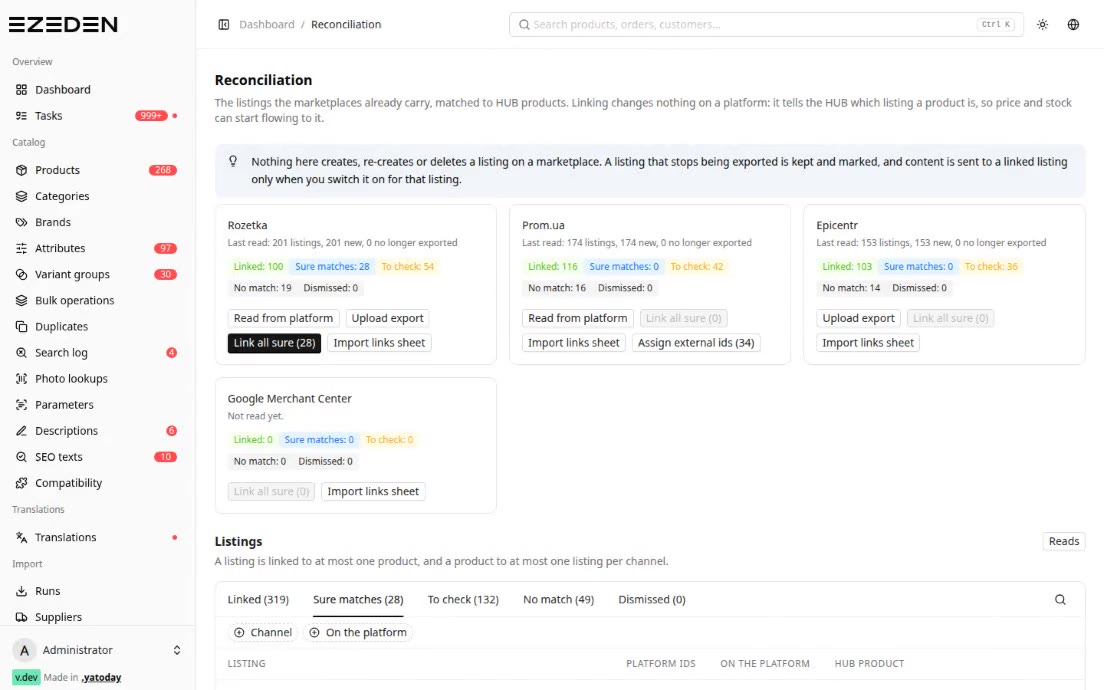
With several sources, a product can arrive twice. The hub looks for duplicates by EAN, by the normalised manufacturer article, by the model codes inside the names and by AI similarity. It never merges products on its own: it lists candidates for a manager.
Characteristics get the same treatment. One source says “Colour”, another “Model colour”, a third uses a different language. A manager merges two names into one, and the old name stays as an alias, so the next import lands on the right characteristic instead of creating it again. A merge can be undone. A candidate queue suggests which pairs may be the same fact - for example, two characteristics that no product carries together and that share many of their values. Units are converted on the way in, so “21.5 cm” lands in a millimetre field as 215.
Variant Groups and Photo Framing
A tap sold in six finishes is six products, each with its own article, price and stock. A variant group joins them into one colour switch on the product page. Groups come from the source - a manufacturer’s site that lists other colours - or from a per-brand rule that reads the finish from the article. Otherwise the hub proposes products with the same name that differ only in colour or finish. Which characteristics form the switch is proposed once; after that it is the manager’s choice.
Photos are accepted as manufacturers send them, including TIFF, PSD and HEIC, and kept as a bounded master file. Framing - crop, zoom, centring, margins - is stored as data, not as an edit of the file, so it can always be reset. Automatic framing finds the object on a plain background and gives it the same share of the frame in every photo, so a model’s colours line up; a photo on an interior background is left alone. The shop gets the sizes it needs in WebP, with a JPEG fallback.
Migration From OpenCart
The first catalogue came from an existing OpenCart store. The hub reads its database directly and read-only: products, texts in both of the store’s languages, categories, characteristics, photos, documents linked in descriptions, promotions and related products. Customers and orders are not migrated.
The type of each characteristic is worked out from its values: numbers with units become numeric fields in a base unit, a short set of values becomes a list, the rest stays text. A text filed under the wrong language - Russian in a Ukrainian field, recognised by letters only one language uses - is cleared so the translation layer can fill it properly. The store’s filter blocks are carried over to the matching categories, in the same order, but only for characteristics the products actually state, and a filter a manager removed is never put back. The store can be read again every night, and a run that would change something stops at its change report for a manager.
Tech Stack
- Hub: Laravel 13 + Inertia + React 19 + Ant Design
- Parsers: Symfony HttpClient + DomCrawler
- Files: OpenSpout (xlsx, csv), streamed XMLReader
- Delivery: Flysystem FTP/SFTP, webklex/php-imap
- Images: Intervention Image + Imagick
- Background work: Laravel Horizon on Redis 7; data in MySQL 8.4
Result
Adding a brand or a supplier is a setting and a mapping, not a development project. The catalogue updates itself from manufacturers’ sites, supplier files and the old store, while every change is visible before it lands, suspicious runs wait for a person, manual edits stay untouched, and any import can be rolled back.