The Shop’s Own App: Protected Channels So Customers Can Always Reach the Shop
A shop that sells through a messenger bot and a website depends on both staying reachable for every customer. The shop’s own app keeps the catalogue, the order and the conversation with the shop in one place, and finds a working way to the shop by itself.
The Challenge
The shop already sold through a Telegram bot, a Mini App and a website, with an AI seller and managers answering in one admin panel. All of it rested on two things the shop does not control: the messenger, and a single route from the customer’s phone to the shop’s server. When either becomes unreachable for part of the customers, those customers can no longer open the catalogue, ask a question or finish an order, and the shop does not even see what it is losing.
The task was a channel of the shop’s own: an app that a customer installs once and that keeps the catalogue, the order and the conversation with the shop together, plus a delivery layer that always finds a working way to the shop and lets the owner see and manage it from the admin panel.
Catalogue and Checkout in the App
The Catalogue tab is the shop’s own storefront, the same one the website and the Mini App use, opened inside the app. Search, filters, product pages and the cart work as on the site; a new product needs nothing in the app.
At checkout the page hands the cart to the app through a small built-in bridge. The app checks it - at most 100 lines, positive quantities, only from the shop’s own pages - sends it to the server, and the order goes through the same pipeline as a Mini App order, with prices recalculated on the server. The page learns the outcome either way: on success the cart is emptied and the app switches to the chat, where the shop’s confirmation arrives; on an error the customer sees the reason and the cart stays.
A Chat That Lands in the Same Panel
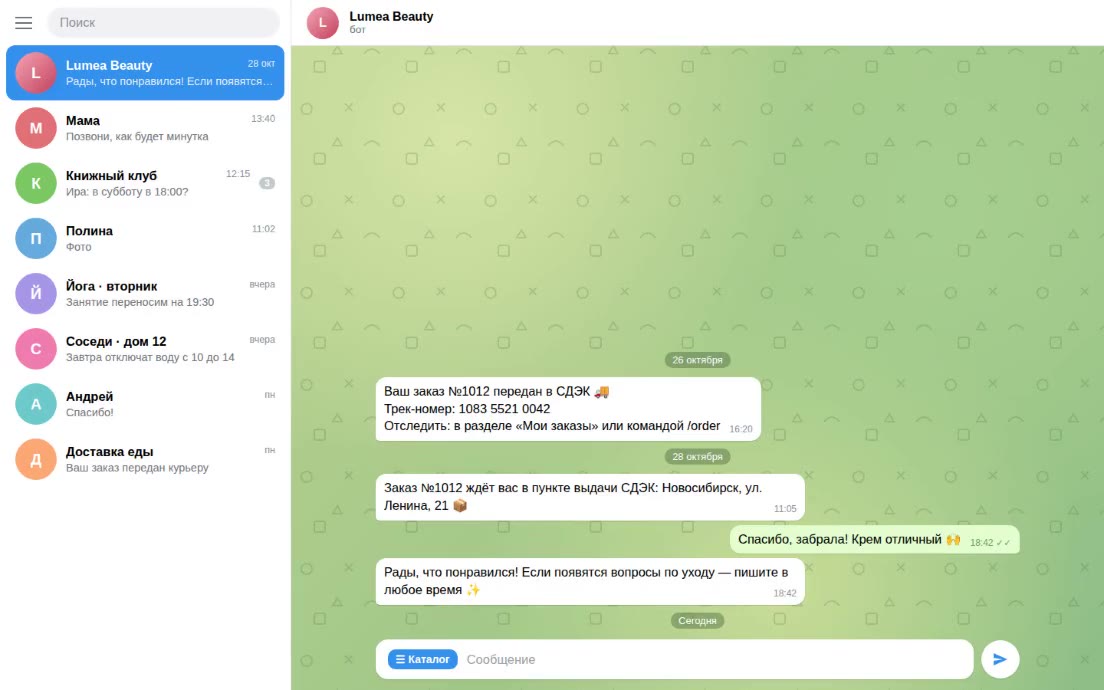
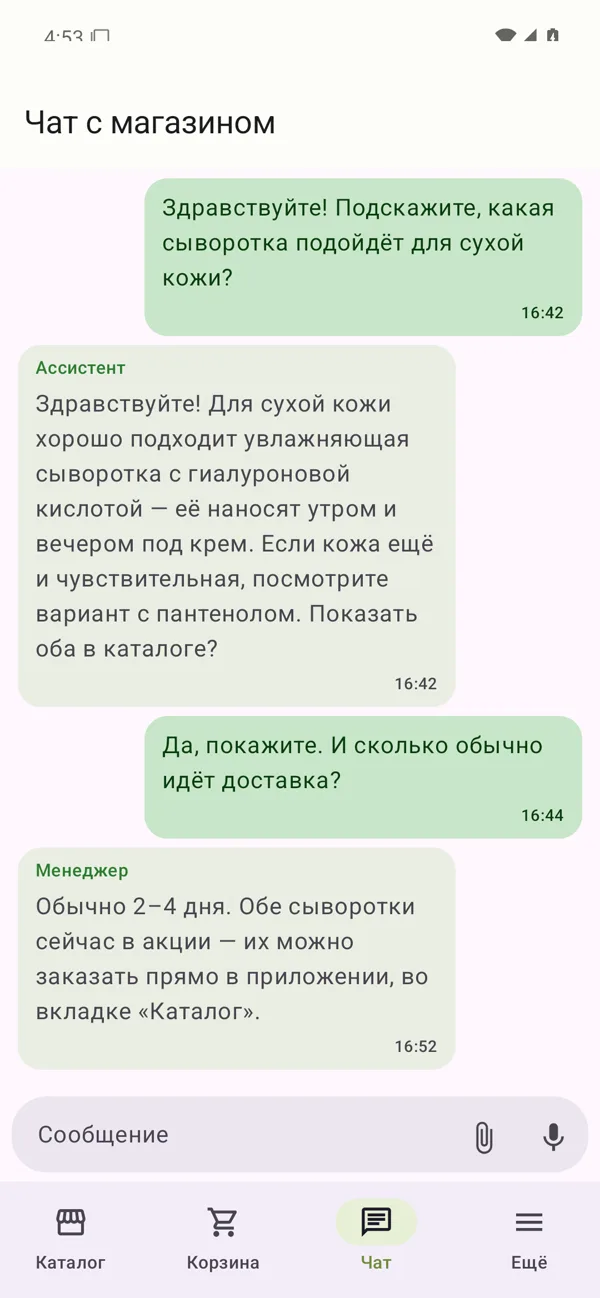
The Chat tab is a native chat with the shop. For the shop it is a second customer channel next to Telegram: the conversation appears in the same admin panel, marked as coming from the app, and the same AI assistant and managers answer it.
The customer types, sends photos from the gallery or the camera - resized on the phone first - records voice notes and shares a location, which is used to find the nearest pickup point. As in Telegram, the shop’s messages can carry buttons that ask for a location or open a page of the catalogue. When a manager edits or deletes a message, the app shows that too.
Notifications need no separate push service. While the chat is open, the app checks for messages every five seconds; in the background a scheduled check runs every 15 minutes and shows one notification for unread replies from the shop.
An Account Without Passwords
On first launch the app creates a private key in the phone’s secure hardware; it cannot be copied out. Every request to the shop is signed with it, and the server refuses an unsigned, altered or repeated request, so nobody can write to the shop on a customer’s behalf.
There is no login and no password. Registration is the customer’s choice on the welcome screen: start a new conversation, move an existing one from an old phone, or just look at the catalogue first. A new account gets a recovery code, shown once and kept in the app’s settings. With it, the conversation and orders move to a new phone, and the old phone loses access.
The App Finds a Working Channel by Itself
The customer never chooses a server. Before the first request the app looks for a route that answers, in a fixed order:
- the entry point that worked last time;
- the entry points the shop assigned to this phone;
- the entry points from the last signed channel list;
- a fresh copy of that list from the mirrors;
- a backup gateway;
- a code a manager sends by other means, typed in by hand in the settings.
Each candidate gets a short check, and the first one that answers is used until it stops working. If the whole search fails, the app says it is offline instead of making the customer wait, and tries again shortly after. Everything travels encrypted end to end between the app and the shop: an entry point only passes the data on, cannot read it and stores nothing.
Interchangeable Entry Points From the Admin
Entry points are small, interchangeable servers that the owner manages on the network screen of the admin panel’s settings. They come in three pools: shared points every install knows, personal points (three per phone, handed out once the customer has a paid order) and a backup gateway that is tried last. No install ever knows the whole list.
Adding a point is a row in the panel; retiring one takes it out of every list at once. The panel can also set up a new point by itself through a hosting account’s API and keep each pool between a minimum and a maximum, with at most six new servers a day. Each change to the shared points republishes the channel list.
A Signed Channel List on Several Mirrors
For the moment when every known address stops answering, the shop publishes a small channel list to several independent file storages. The list is signed with the shop’s key, and the app checks the signature with the key built into it: a list that was altered, expired or is older than the one the app already holds is refused, so a mirror can serve the list but never change it.
Mirrors are added in the panel. On every publication the server uploads the file to each mirror, downloads it back and compares the bytes, and the result shows next to the mirror. The list of mirrors travels inside the signed file, so a new mirror reaches every installed app with its next update of the list, without a new version of the app.
Availability per Network
Every install tells the shop which entry points worked and which did not, together with the name of its mobile network. A point counts as unreachable only when several different phones report it so within a few hours and fewer report it working, so one network having trouble does not take a point out for everyone. Separately, the server checks every point once a minute.
The Network overview shows it all on one screen: a card per entry point with the number of phones on it, counters of installs online, in the background and dropped off with their 30-day curves, a map of which phone goes through which point, and the list of installs with network, app version and last contact. A point or an install opens in a side panel with everything known about it.
Tech Stack
- App: Kotlin, Jetpack Compose (Material 3), Android 8.0+
- Network and background work: OkHttp, WorkManager
- Security: Android Keystore (P-256 signatures), Tink (Ed25519 list checks)
- Storefront: Astro site in a WebView with a checkout bridge
- Backend and admin: Laravel 13, React + Inertia
- Channel list mirrors: any S3-compatible storage
Result
The shop gets a channel that belongs to it: customers browse, order and talk to the shop in one app, and their messages reach the same panel, AI and managers as the Telegram bot. The app finds its own way to the shop, the owner adds and replaces entry points from the admin, the signed list on several mirrors keeps new routes reaching every install, and the network overview shows where customers are connecting from and what works for them.
Status: the app and the server side are built and tested on an emulator against local test servers, with instrumented tests on a phone; they have not yet been deployed or published to customers.