Omnichannel CRM: WhatsApp, Telegram, Email, Calls and Website Forms in One Place, and No Request Gets Lost
Requests arrive in WhatsApp, Telegram, the inbox, by phone and from the website, and each channel lives in its own app. The Yatoday CRM brings them all into one pipeline, recognises clients who come back and tells the team the moment a new request appears.
The Challenge
A typical small company receives requests in five places at once. A client writes on WhatsApp to the manager’s phone, another messages the Telegram account, a third sends an email to the general inbox, a fourth calls, and a fifth fills in the form on the website. Each channel lives in its own app, often on one person’s phone.
The losses are quiet. A message read on the go and forgotten. A form that went to an inbox nobody checks. A client who writes on WhatsApp after calling last week and gets treated as a stranger. When a manager is ill or leaves, their conversations leave with them.
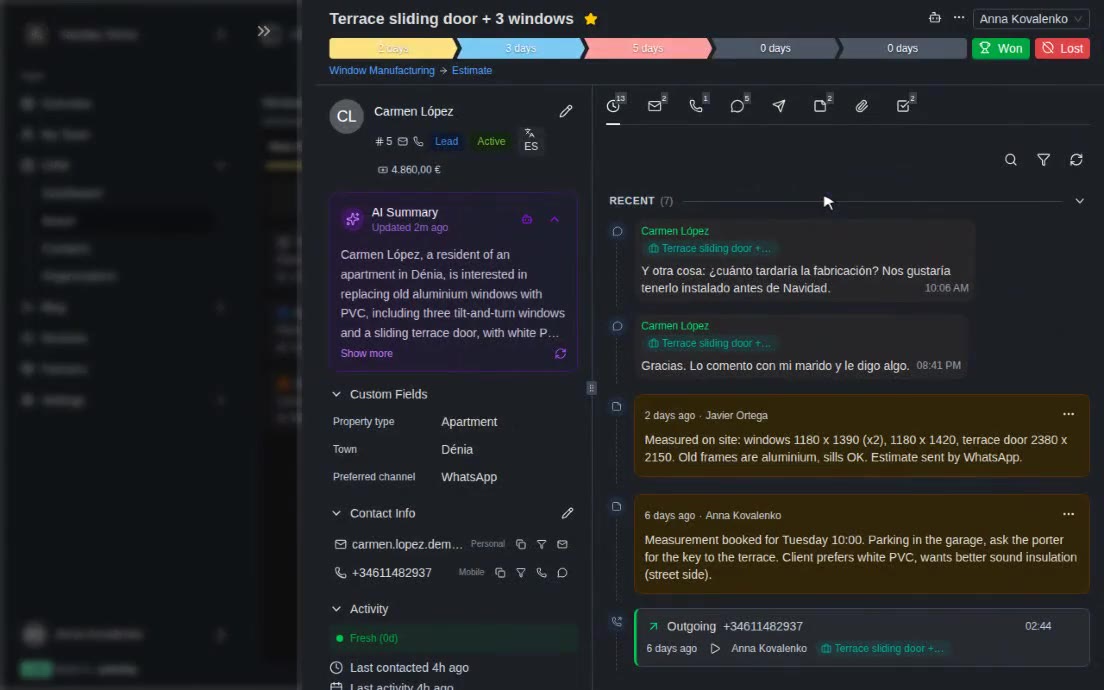
The Yatoday CRM was built so that every request, whatever the channel, lands in one pipeline as a card the whole team can see, with the full conversation attached.
WhatsApp Business Through the Official API
WhatsApp is connected through Meta’s official WhatsApp Business Cloud API - not through an unofficial bridge that can get a number blocked. A company can connect several numbers.
- Every conversation becomes a card: a message from a new number creates a contact and a lead card, and a message from a known client joins their existing conversation.
- Everything a client can send: text, photos, documents, voice notes, video, locations and contact cards. Media is downloaded and stored with the message.
- Managers reply right from the card in the CRM. WhatsApp allows free replies within 24 hours of the client’s last message; after that, the composer offers only templates approved by Meta, so a follow-up can still go out by the rules.
- Read receipts on each outgoing message show whether it was sent, delivered, read or failed. Reactions work both ways: a client’s emoji appears on the right message, and a manager can react from the CRM.
- A channel can send an automatic first reply, and numbers on the blacklist are ignored.
The Company’s Own Telegram Bot
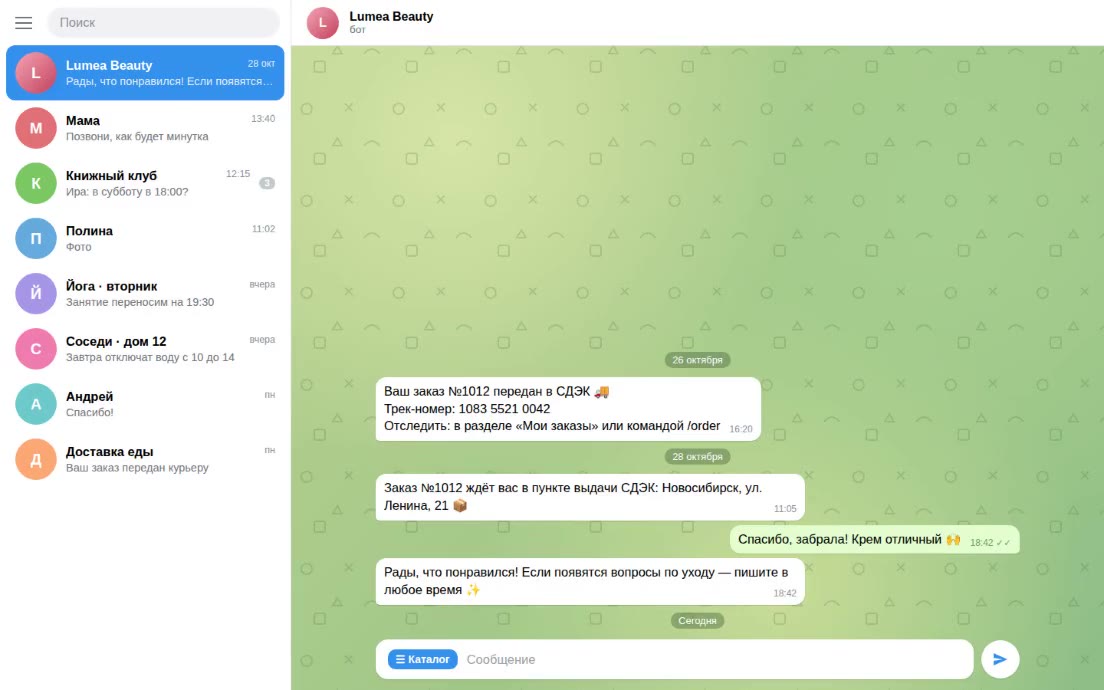
In Telegram, the company connects its own bot, created in BotFather, and clients chat with it as with a person - the manager answers from the CRM. This bot is separate from the internal one that sends alerts to the team.
The bot behaves sensibly. Pressing “Start” is a Telegram requirement, not interest in buying, so it does not create a lead or wake up a manager; the greeting is stored, along with any campaign tag from the start link. A card appears when the client actually writes. Once per conversation the bot can ask the client to share their phone number; if that number already belongs to a known contact, the Telegram conversation is merged into that contact and their open deal instead of creating a second one. When a client edits a message, the CRM updates it, and managers can react to messages from the card.
An Email Inbox with Threads
Company addresses receive mail through Postmark. Each incoming email is attached to the right conversation using the standard reply headers; when those are missing, the CRM matches by sender and subject within a recent window. A reply to last week’s quote lands on the same card instead of creating a new lead. Attachments are saved with the message. Senders, whole domains or patterns can be blacklisted, and marking an email as spam adds its sender to the list.
Calls on the Same Timeline
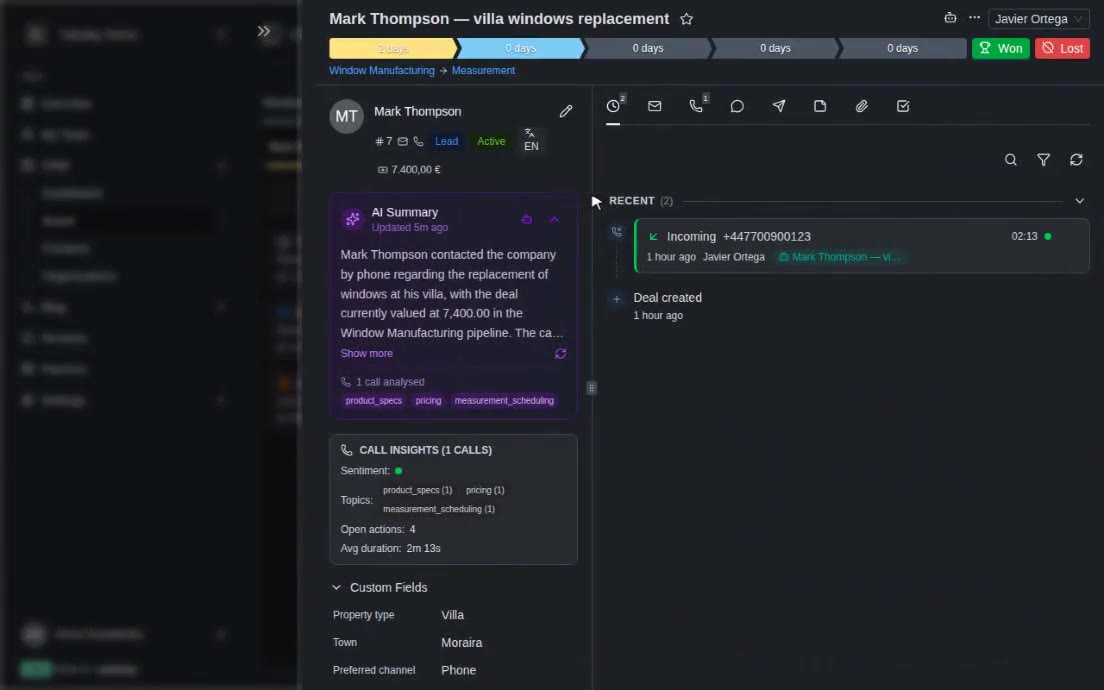
Phone calls through the company’s Zadarma numbers follow the same rules: a new caller becomes a lead, a known one is attached to their contact, a missed call puts the card back at the top of its column. Calls and recordings appear on the card’s timeline next to the WhatsApp, Telegram and email messages, so the whole story with a client is in one place.
Website Forms, Spam Protection and Repeat Clients
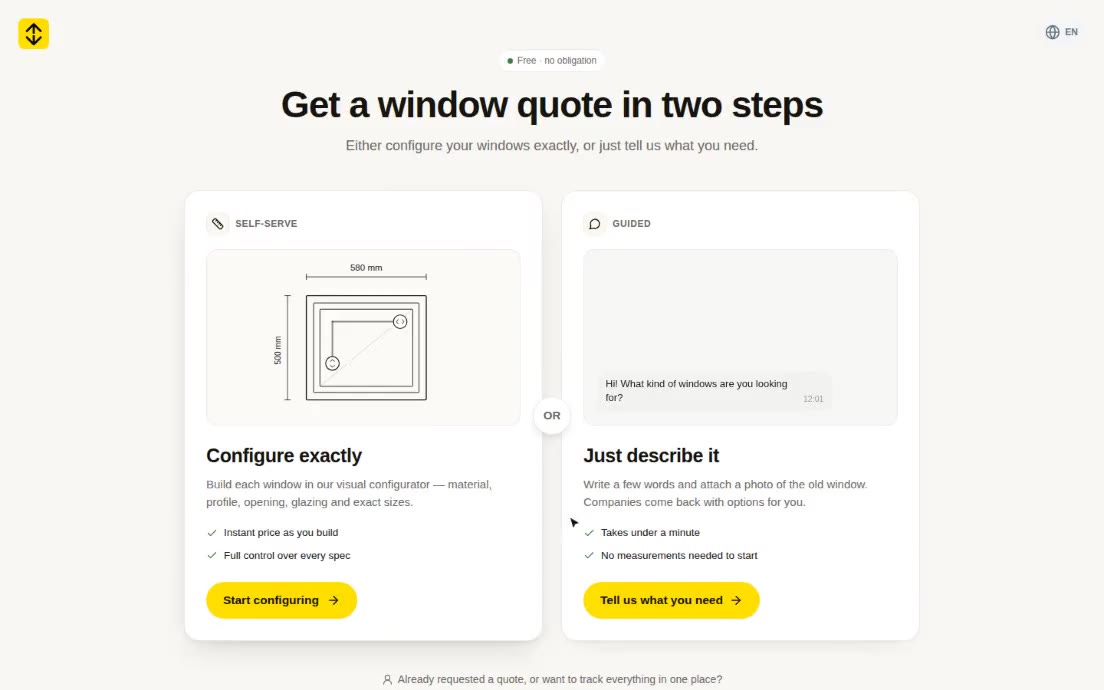
Website contact forms send requests to the CRM through an API. Each request is forwarded by email to the company’s inbox and created as a card with the source “form”, the page it came from and the visitor’s language. Spam is filtered on several levels: a hidden field that only bots fill in, a minimum of three seconds to fill the form, a limit of five submissions per visitor per hour and a daily cap per company. The forwarding address must be on the company’s allowlist, so the form cannot be abused to send mail elsewhere.
Whatever the channel, the CRM looks for the client among existing contacts by email, phone (compared in a normalised form) or Telegram account before creating anyone new. When two cards still turn out to be the same deal, a manager merges them from the card header: contacts, conversations, messages, tasks, notes, products, stage history and orders move to the card that stays, and the other one is removed.
Pipelines for Windows, Furniture and Solar
Besides general pipelines for leads, deals, incoming calls, order fulfilment and referrals, the CRM ships with industry presets:
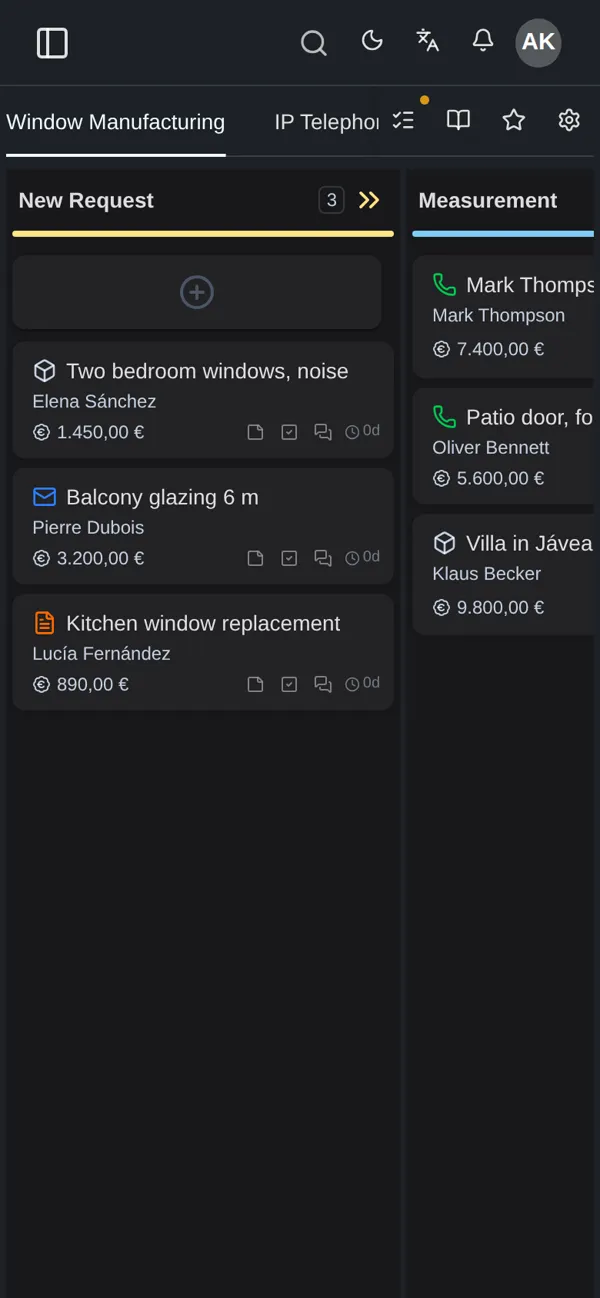
- Window manufacturing: new request, measurement, estimate, production, installation, completed.
- Furniture workshop: inquiry, quote, workshop, delivery, completed.
- Solar installation: survey request, quote, equipment order, installation, completed.
Each preset also brings an order specification - the fields that describe each item in the order. For windows that is the type (window, door, balcony glazing), width, height, an area calculated automatically from the two, profile, glazing and opening type, where the opening options depend on the type. Furniture gets product, material, dimensions and finish; solar gets panel type, power, brand, roof type and total kWp. Every item has its own production status - for windows, from sketch through cutting, assembly and quality check to done. A company can change all of this in a visual editor: add fields, set options, reorder them by dragging.
The CRM keeps a stage history for each card: when it entered and left every stage, how long it stayed there and, for lost deals, the reason. That shows where deals get stuck.
Instant Alerts for the Team
When a new lead arrives or a client writes, the team finds out straight away. Alerts go to Telegram, to email, as browser push notifications and inside the CRM itself. Each channel can be tuned by event - new card, new WhatsApp, Telegram or email message, incoming call, task assigned or overdue - and limited to working hours or to outside them. Telegram alerts can be sent silently.
Tech Stack
- Business app: Laravel 12 + Inertia/React 19 (multi-tenant CRM)
- Real time: Laravel Reverb (WebSockets)
- WhatsApp: Meta WhatsApp Business Cloud API
- Telegram: Telegram Bot API (one bot per company)
- Email: Postmark (inbound and outbound)
- Telephony: Zadarma cloud PBX
- Website leads: REST API with spam protection
- Database: MySQL 8, queue workers for inbound webhooks
Result
Requests stop depending on whose phone they reached. WhatsApp, Telegram, email, calls and website forms all arrive in one pipeline, clients who come back are recognised instead of duplicated, and the whole team sees each conversation in full. Companies that make windows, furniture or solar installations start with a pipeline and order fields that match their work, and every new request reaches the team in seconds, in the channel each person prefers.