AI in Customer Conversations: The Assistant Drafts the Reply, the Translator Speaks the Client’s Language
A manager who speaks Russian gets a WhatsApp message in Spanish, a voice note in English and an email that needs a careful answer. In the Yatoday CRM the AI reads the deal, drafts the reply in the manager’s language and translates it into the client’s - and the manager decides what goes out.
The Challenge
A small company on the coast of Spain talks to clients in Spanish, English, Russian, German and more - over WhatsApp, Telegram and email at the same time. Two problems show up every day.
The first is time. A good reply needs context: what the client asked last week, what price was quoted, which stage the deal is at. Managers scroll back through the chat, open notes, check tasks, and only then start typing. Short, rushed answers lose deals.
The second is language. A manager who does not read Spanish either asks a colleague, pastes messages into an online translator one by one, or answers in a language the client is not comfortable with. Every copy-paste is a chance to send the wrong text to the wrong person.
We built an AI layer into the Yatoday CRM that handles both, with one rule throughout: the AI writes drafts, a person reads them and presses send.
Reply Drafts from a Short Instruction
Next to the WhatsApp, Telegram and email chats there is an AI button. The manager does not write the message - they write what the message should say: “we’ll call back tomorrow”, “ask about the budget”, “say we’re closed on Monday”. The assistant turns that into a finished reply addressed to the client, in the company’s voice.
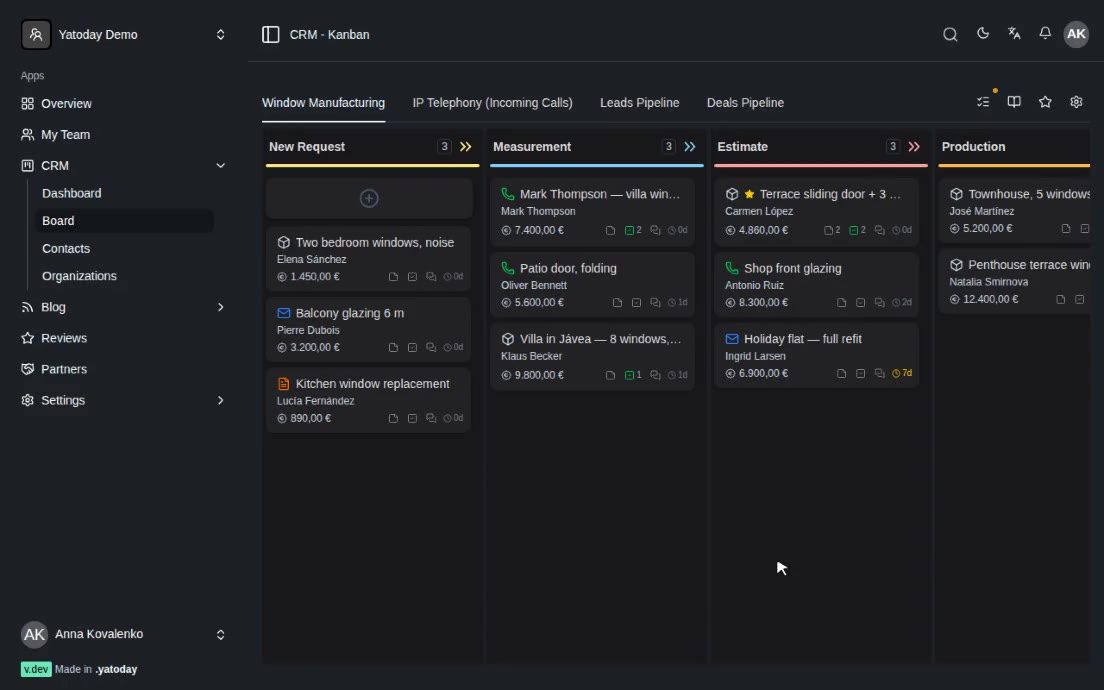
It can do this well because it reads the deal before answering. For every request the CRM gathers the card’s context: the pipeline and stage, the value and lead source, the linked people and companies with their contact details, up to the last 250 messages across all channels, notes, tasks and activities, and the client’s other deals. The company’s own description is added, and each manager can save personal instructions per channel - tone, sign-off, things to always mention.
The drafts follow the rules of the channel:
- WhatsApp and Telegram: short paragraphs, plain text with no formatting that the messenger would show as stray symbols. If the client wrote within the last day, the draft gets straight to the point; if the conversation is new or has gone quiet for more than a day, it starts with a greeting.
- Email: a subject line, a greeting, a structured body and a closing. The signature is added automatically when the email is sent.
The draft is written in the manager’s own language, so they can check it properly. Any word can be edited in place. When the text is right, the manager presses OK and the assistant translates it into the client’s language, detected from the conversation. “Use” puts the translation into the message field, and a small bar under it keeps the original visible, so the manager remembers what they are about to send. The message goes out only when the manager sends it.
Two-Way Translation
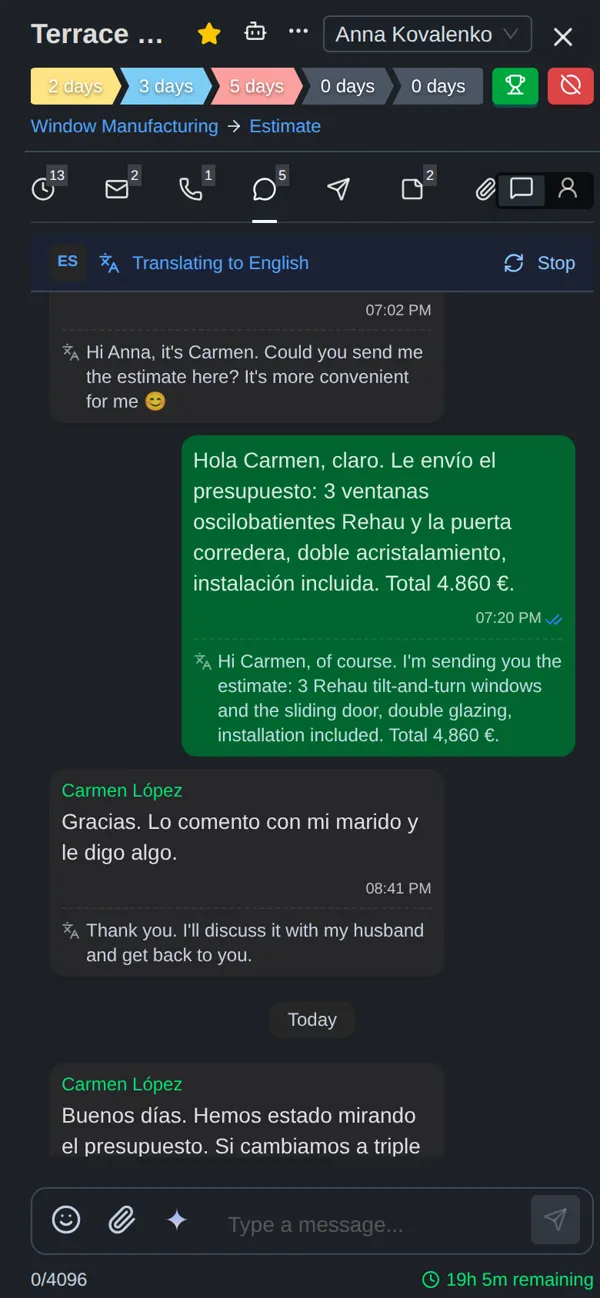
The translator works in both directions, inside the chat.
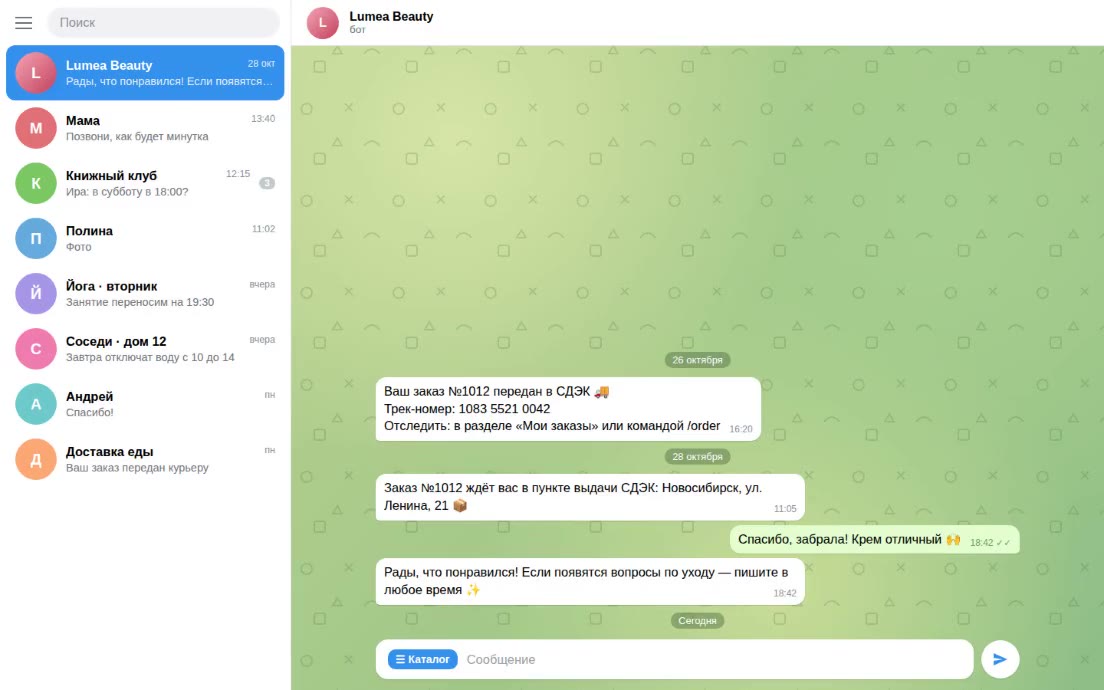
Each incoming message gets its language detected. Short messages like “ok” or “gracias” are too short to judge, so for them the CRM uses the language already known for the contact; longer texts are detected by AI, and when the result is confident, it is saved as the contact’s language for next time. At the top of the WhatsApp chat a bar shows the client’s language and lets the manager turn translation on with one click. The original stays at the top of each bubble; the translation sits below it in smaller, muted text, so it is always clear which is which. The bar offers fifteen languages, and the target language comes from the manager’s profile.
Translations are stored after the first time, so reopening a chat does not translate - or pay for - the same message twice. A stored translation can be corrected by hand, and the CRM records who corrected it and when.
For outgoing email, the composer has a translate mode built as a review step. The manager writes in their language; the CRM creates a draft with the translation and shows both side by side. If the manager changes their own text, the translation is redone. If they adjust the translation itself - a product name, a polite form - the draft is marked as edited. Nothing is sent until the manager approves it. After sending, the manager’s original is kept next to the message, so anyone on the team can read the history in their own language.
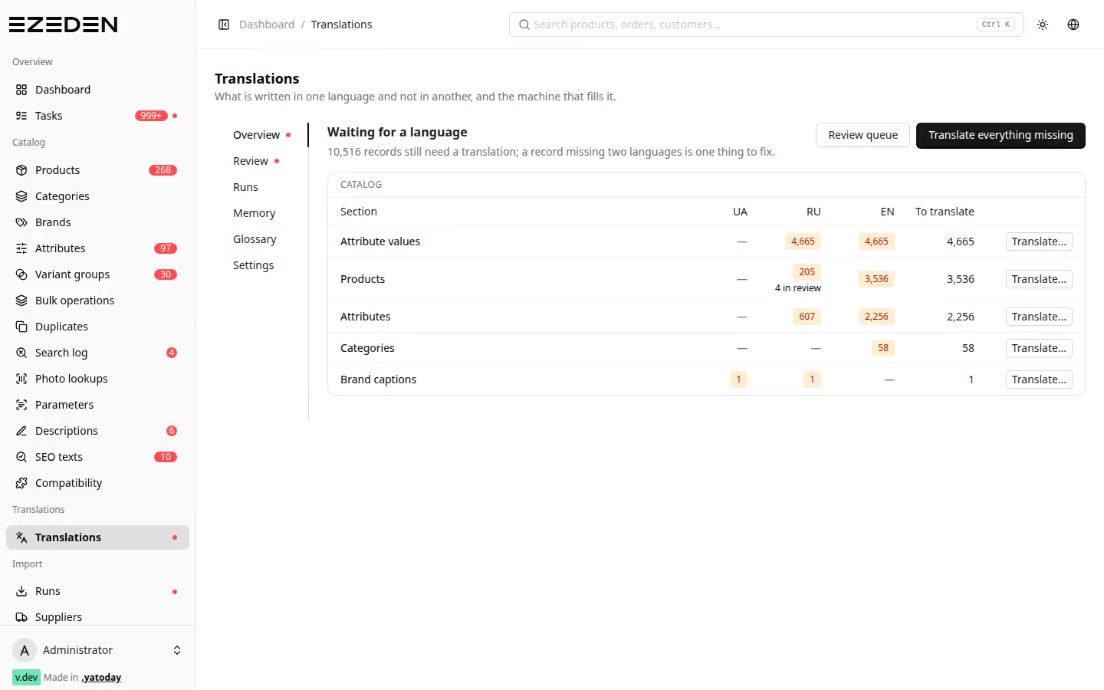
Translation is billed by usage, so each company sets a monthly budget for it. The settings page shows what has been spent this month across message, note and call-transcript translations, as a share of the budget; when the limit is reached, new translations stop until the next month.
A Summary of the Client and a Chat About the Deal
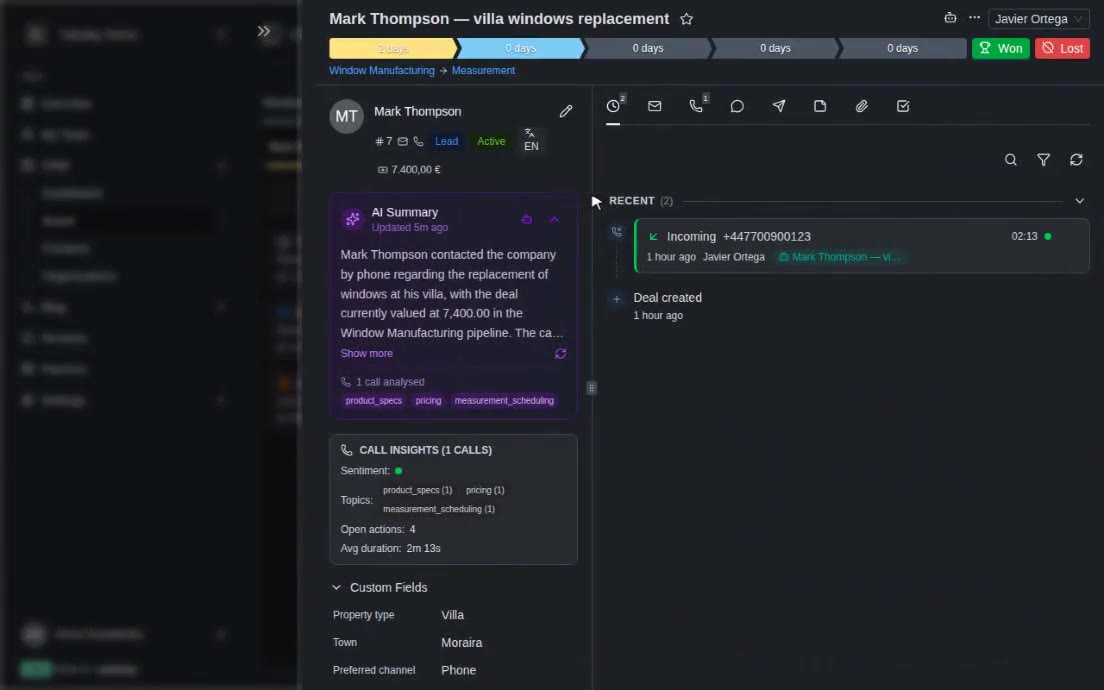
When a card has some history - messages, notes or tasks - the CRM can write a short AI summary: who the client is and what they want, where the relationship stands, the latest interactions and what is still pending. The summary is written in three of the interface languages at once - English, Spanish and Russian - so each person on the team reads it in their own. When there is very little data, the summary says so instead of filling the gaps.
For anything else, there is a general AI chat on the card. A manager taking over a colleague’s deal can ask “what did we promise this client?”, “what’s the next step?” or “draft a follow-up”. The assistant answers from the card’s data, treats the contact profile as the reliable source for phones and emails, and says clearly when the information is not there.
Voice Messages Become Text
Many clients prefer to send voice notes. When a WhatsApp or Telegram voice message arrives and transcription is enabled for the company, the CRM converts it to text with a speech-recognition model. The transcript is saved on the message and goes through the same pipeline as written messages: its language is detected and it can be translated. A manager can read a two-minute voice note in their own language in a few seconds - and the assistant can take its content into account when drafting the reply.
Tech Stack
- Business app: Laravel 12 + Inertia/React 19 (multi-tenant CRM)
- AI drafts, summaries, translation and language detection: Anthropic Claude
- Speech-to-text: Whisper models (OpenAI or Groq)
- Real time: Laravel Reverb (WebSockets)
- Channels: WhatsApp Business Cloud API, Telegram Bot API, Postmark email
- Database: MySQL 8
Result
Managers answer faster and in the client’s language without leaving the chat. A short instruction becomes a complete, context-aware reply; a Spanish message, an English voice note and a German email can all be read in Russian; a colleague taking over a deal reads a summary instead of the whole history. Every reply is still read and sent by a person, and translation spending stays inside a limit the company sets.