Estimia Documents: Invoices, Quotes and Contracts in One Click
A window job produces a stack of paperwork - quote, contract, deposit invoice, measurement sheet, delivery note, handover certificate, final invoice, warranty. In Estimia every one of them is generated from the order in one click, from the company’s own templates, and the client accepts it online.
The Challenge
Selling and fitting windows is a paperwork business. One job goes through a quote, the general terms, a contract, a deposit invoice, a measurement sheet, a work order for the fitters, a delivery note, a handover certificate, the final invoice and a warranty. In most small companies each of these is a Word file copied from the last job, with the client’s name, the address and the totals retyped by hand. Every retyped figure is a chance for a mistake.
Estimia already holds everything those documents need: the client, the company’s legal details, the line items, the totals, the deposit. The goal was to let the company turn an order into any of its documents without retyping anything - and to give the client a simple way to read and accept them.
Thirteen Documents, One Order
The document builder knows thirteen document types, grouped by the stage of the job they belong to:
- Sales and contracting: quote (presupuesto), general terms and conditions of sale, proforma invoice for the deposit, sale and installation contract.
- Measurement and production: measurement sheet, work order, health and safety plan.
- Delivery and handover: delivery note (albarán), acceptance and handover certificate, final invoice.
- After the sale: warranty certificate, use and maintenance manual, subsidy and energy certificate.
On an order, the manager picks a template and the system creates a draft from it. When the draft is final, one click numbers it, renders the PDF and files it with the order. Numbers run without gaps per company, per document type and per year - PRE-2026-0001 for quotes, CON- for contracts, FAC- for final invoices - and a finalized document can no longer be deleted, because by then it is a numbered record. If something changes, the company issues a new version, linked to the previous one. Every step is written to the order’s activity log.
Three types come with a ready-written starter template: the quote, a consumer sale contract and the handover certificate. The others are there to be filled with the company’s own text. The document builder is part of the MAX subscription plan.
The Company’s Own Templates
Templates are written in a visual editor inside the CRM, much like a word processor. The company can start from a starter template, duplicate one of its own, or write from a blank page - so every firm sends its own contract with its own clauses, not a generic one.
Data from the order goes in as merge fields such as {{client.name}}, {{order.total_gross}} or {{company.iban}}. In the editor they appear as locked chips that can’t be broken by accident, and a side panel lists all of them: client details and tax ID, the company’s legal name, tax ID, address, bank and IBAN, the order number and date, net total, VAT, gross total, deposit percentage and amount, the balance due, and the document number and date. Amounts are formatted the Spanish way, in euros.
Before a document goes out, the builder can show it with the real values filled in and lists any data that is missing, with a hint on where to add it - for example, that the company’s bank details belong in the company settings. A field that has no value prints as nothing, so a contract never reaches the client with stray {{ }} in it.
The editor, the PDF and the online copy share one stylesheet, so the document looks the same everywhere.
AI Help with the Wording
Writing a contract or a maintenance manual from scratch is the part most companies put off. The template editor has an AI assistant for that. The manager describes what they need - “a warranty certificate for PVC windows, ten years on the profile, two on the hardware” - and the assistant drafts the text using the company’s own context and the right merge fields in the right places. The draft is shown as a preview first; nothing goes into the template until the manager clicks Insert.
The assistant can also work on the template that is already open: shorten a clause, add a section, rewrite a paragraph in plainer language. Its output is cleaned before it reaches the editor, so only safe formatting gets in.
A Branded PDF and a Calculation You Can Reopen
Quotes and documents carry the company’s branding: its logo, its accent colour, its legal name, tax ID and contact details in the header and footer. A quote with several options can also go out as a single comparison sheet. The PDFs are rendered by headless Chromium through Gotenberg, so what the manager sees in the browser is what the client gets.
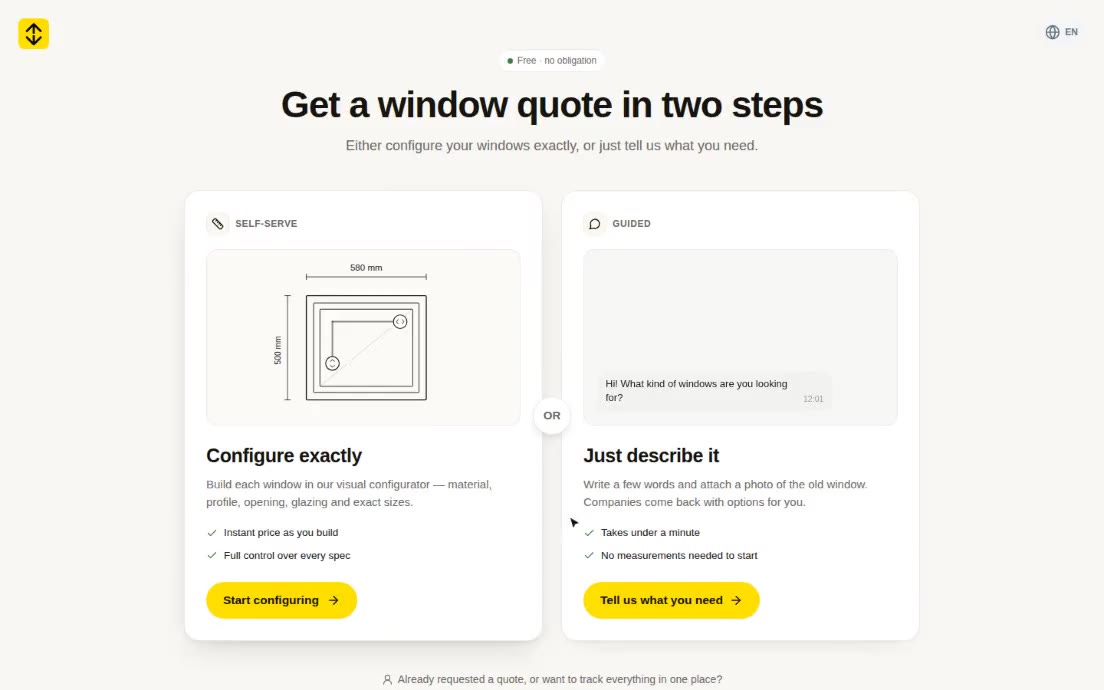
The homeowner calculator on Estimia produces its own PDF too: an estimate with the full technical specification and drawings of each window, and prices shown as a range, because it is a market estimate and not a firm offer. The PDF carries a link and a QR code that reopen the same calculation in the configurator, so the client can come back a week later, change a size or the glazing and see the new figure without starting over. A version without prices can be saved as a spec sheet to send to installers. When the client goes on to request quotes, the calculation is attached to the request, and the client portal keeps an “edit this calculation” link.
A QR Code and PIN on Every PDF
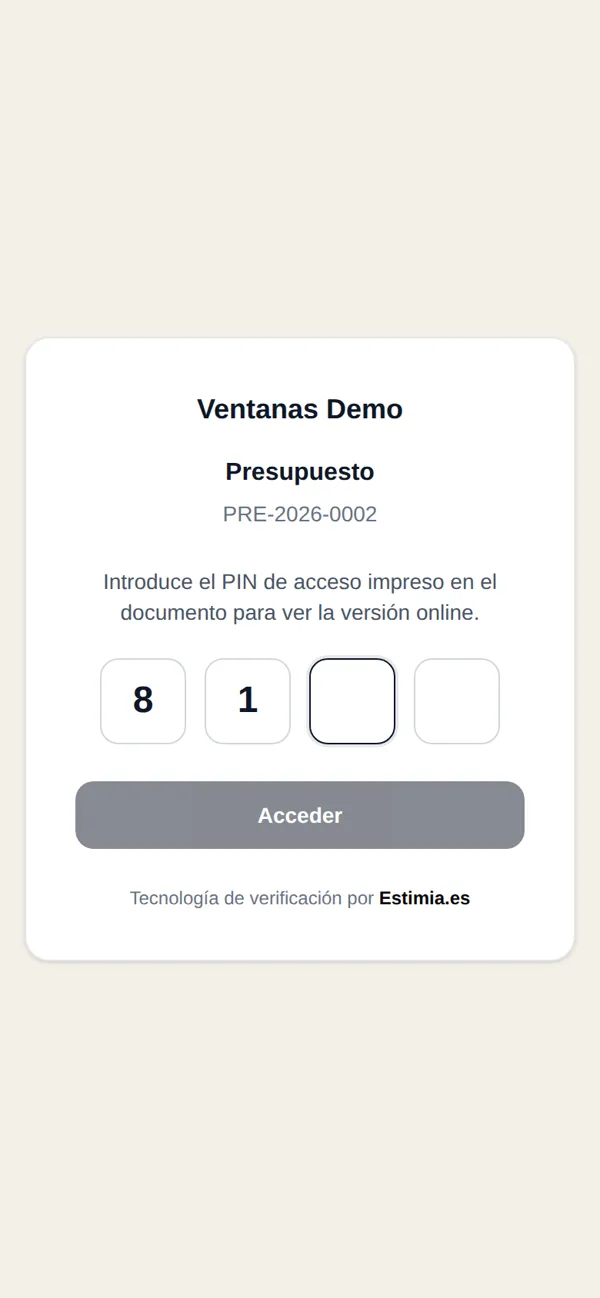
Every PDF that belongs to an order has a QR code and a four-digit access PIN in its footer. Scanning the code opens the online copy of the document; the PIN unlocks it. One PIN covers all the documents of that order, so the client only has to keep one number.
The address behind the code can’t be guessed, the PIN is stored encrypted, and after five wrong attempts the order’s documents are locked for fifteen minutes. A quote left on a table or forwarded by email doesn’t expose the client’s data.
The online copy shows the document as A4 pages, with the company’s contacts, the document number, date and status next to it, and a button to download the PDF.
Accepting a Document Online
Next to the online copy the client has two buttons: accept or reject. They can type their name as a signature. The decision is recorded with the name, the date and time with the time zone, the IP address and the browser, in a log that is only ever added to, never edited. The company’s administrators get an email, the order’s activity log records the decision, and the PDF is regenerated with an acceptance stamp showing who accepted it and when, with a reference number.
That is a simple electronic acceptance, not a qualified signature: there is no drawn signature and no SMS code yet. An SMS confirmation method is already planned in the code but not built.
Factory PDFs Become Order Lines
Paperwork also comes the other way: factory quotes and invoices arrive as PDFs, and someone has to type each line into the order. In Estimia the manager uploads the PDF and AI reads it: each line item with its name, dimensions and codes, quantity, unit price and currency, plus the document number, date and total. Subtotals, VAT and delivery lines are skipped.
Nothing is saved straight away. The manager reviews the list, unticks or edits lines, sets an exchange rate if the factory quotes in another currency, applies a markup to get selling prices and chooses which quote option the lines go into. If the same PDF was imported before, the system warns and offers to replace the earlier lines.
Tech Stack
- Business app: Laravel + Inertia/React (multi-tenant CRM)
- Template editor: TipTap (rich text with locked merge-field chips)
- PDF rendering: Gotenberg 8 (headless Chromium) via spatie/laravel-pdf
- QR codes: bacon/bacon-qr-code (SVG)
- AI: Anthropic Claude (template drafting, factory PDF extraction with structured tool use)
- Storage: Cloudflare R2 (generated PDFs and thumbnails)
- Database: MySQL 8
Result
A window company on Estimia produces its paperwork from the order instead of from old Word files: thirteen document types, its own templates and clauses, numbers that never skip, figures that are never retyped. The AI drafts the templates nobody wanted to write and turns factory PDFs into order lines. Every PDF the client receives opens an online copy behind a PIN, where accepting the quote or the contract takes one click and leaves a record the company can rely on.